

AduGames.COM - Best site with adult 2D and 3D games for free!
  • Games catalog
  • Porno games
  • XXX comics
  • FAQ
  • Promote your game!
  • Abuse (DMCA)
  • Feedback

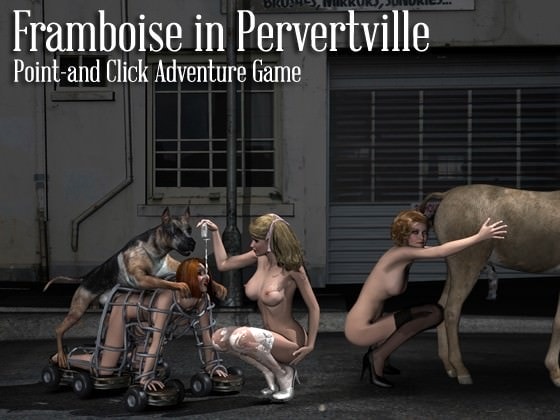
Framboise in Pervertville

Information

Name: Framboise in Pervertville
Genre: Rape, Horror, Bestiality, Shota, Insect Sex, Monster Sex, Scat, Sex, Oral Sex
Version: Completed
Censorship: No
Author: Pink Pencil

Last updated: March 2017
Language: English
Made in: Others
Size: 600 MB 7Z / 735 MB UN7Z


About game

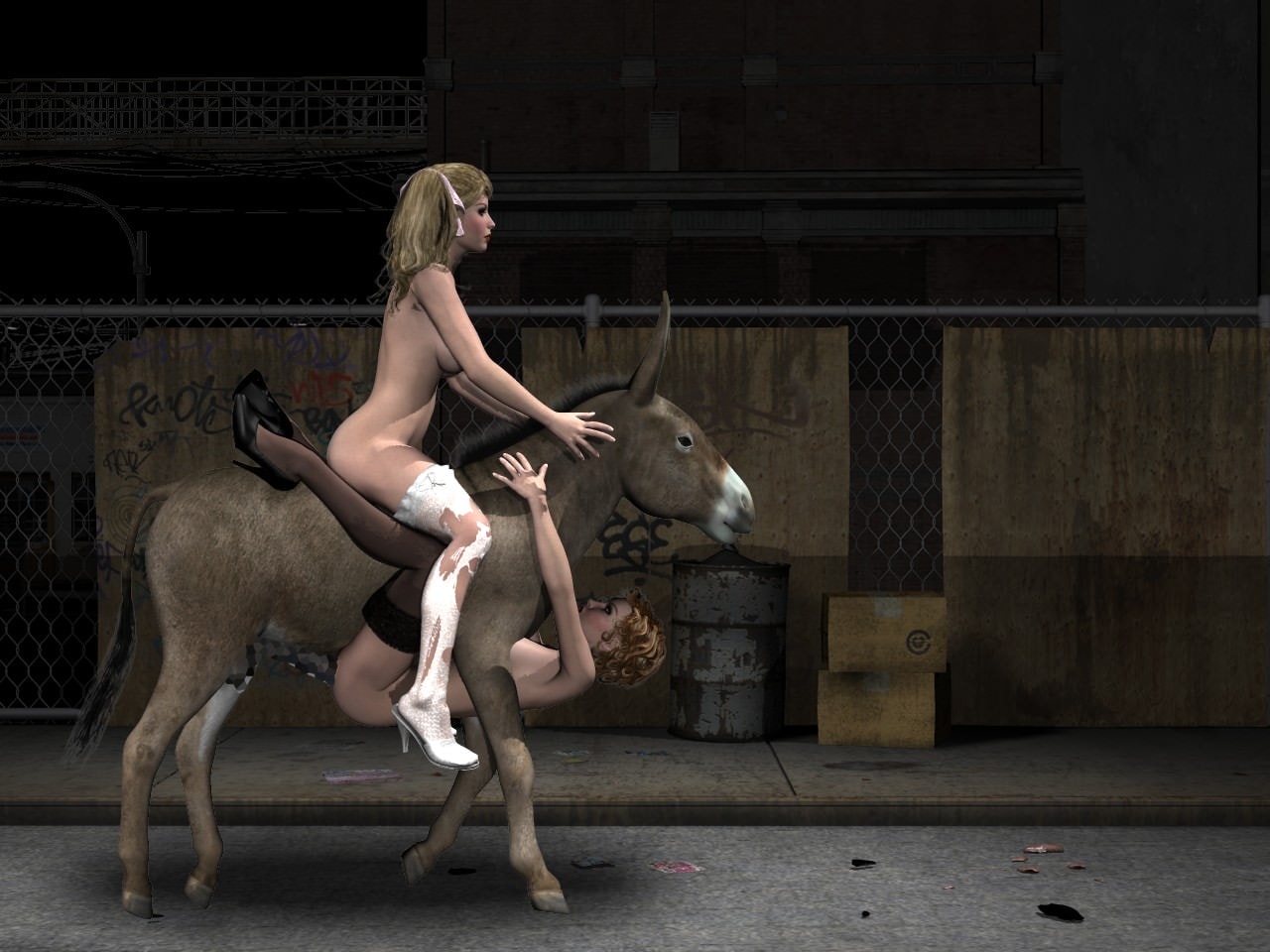
So, Framboise escaped from underground world, and found herself in a strange town somewhere in Europe. What to do here ? How to escape this dark place with sex hungry animals, monsters and perverted people? Enjoy her weird adventures in our new point-and-click adventure/quest game. Explore locations, search for useful items, interact with different game characters. Serve them like a pro. This game is a bit of hidden objects, a bit of puzzles, some arcade and insane sex!


Be careful about this one, it's rather intense


Download links
Warning! Only registered users from a specific group can download files from the fast download section. Please register an account and read the FAQ.

Download links

Game tags (click on them to see more games):
Rape, Horror, Bestiality, Shota, Scat, Oral sex, Pink Pencil
Total views 29 234
29 234
5
+911
Comments 5
Information
Users of Guests are not allowed to comment this publication.
  1. akabrule
    Guests
    23 October 2019 20:56
    0
    0
    WTH with "error starting module 'win32DPNetGame'"? how can i fix it?
    1. ADUGAMER
      Administrator
      23 October 2019 21:08
      469
      0
      Control panel -> Programs -> Programs and Features -> Turn windows features on or off

      Just turn the features (DirectPlay) on and away you go.
  2. zooph
    Guests
    1 June 2019 14:01
    0
    0
    In some scene, I can go into a "small scene" by clicking on some person. But how can I leave the small scene? Exc or left button don't work.
  3. ADUGAMER
    Administrator
    14 April 2018 02:12
    469
    +2
    angry-guy123,
    Control panel -> Programs -> Programs and Features -> Turn windows features on or off

    Just turn the features (DirectPlay) on and away you go.
  4. angry-guy123
    Guests
    13 April 2018 19:56
    0
    0
    im getting an error when trying to lunch the game...

    "error starting module 'win32DPNetGame'"

    anyone know how to fix this ?